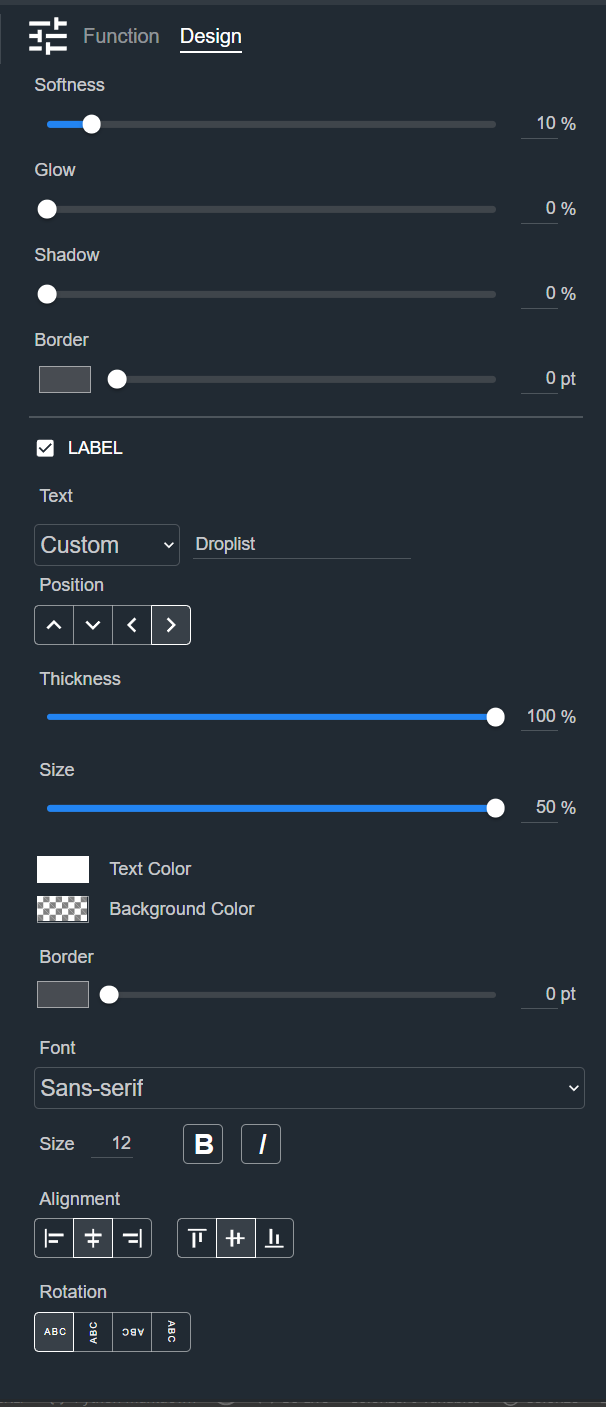
Droplist
A Droplist lets you choose one option from a dropdown list. The Design tab styles the selected Droplist on a Control Panel. The sections appear top to bottom in the Modifier Panel.
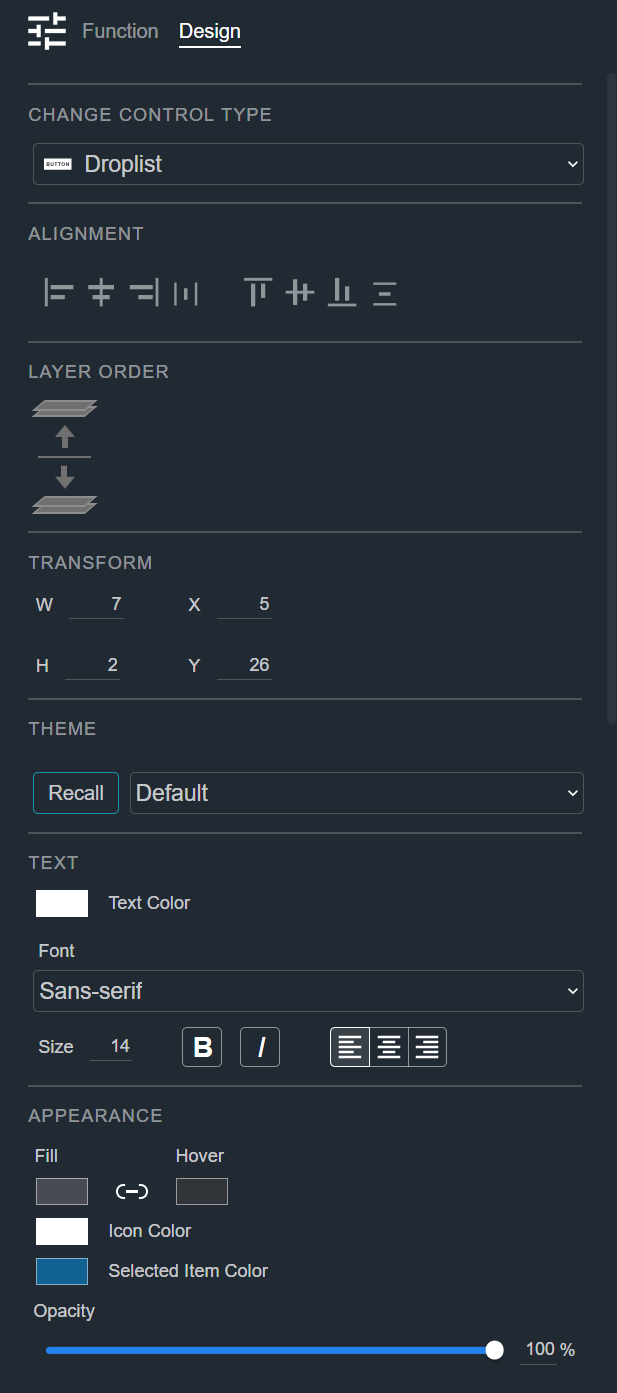
Change Control Type
See Common Controls.
Alignment
See Common Controls.
Layer Order
See Common Controls.
Transform
See Common Controls.
Theme
See Common Controls.
Text
See Common Controls.
Appearance
The Droplist's Appearance section adds a Hover color, an Icon Color, and a Selected Item Color to the common appearance properties. See Common Controls.
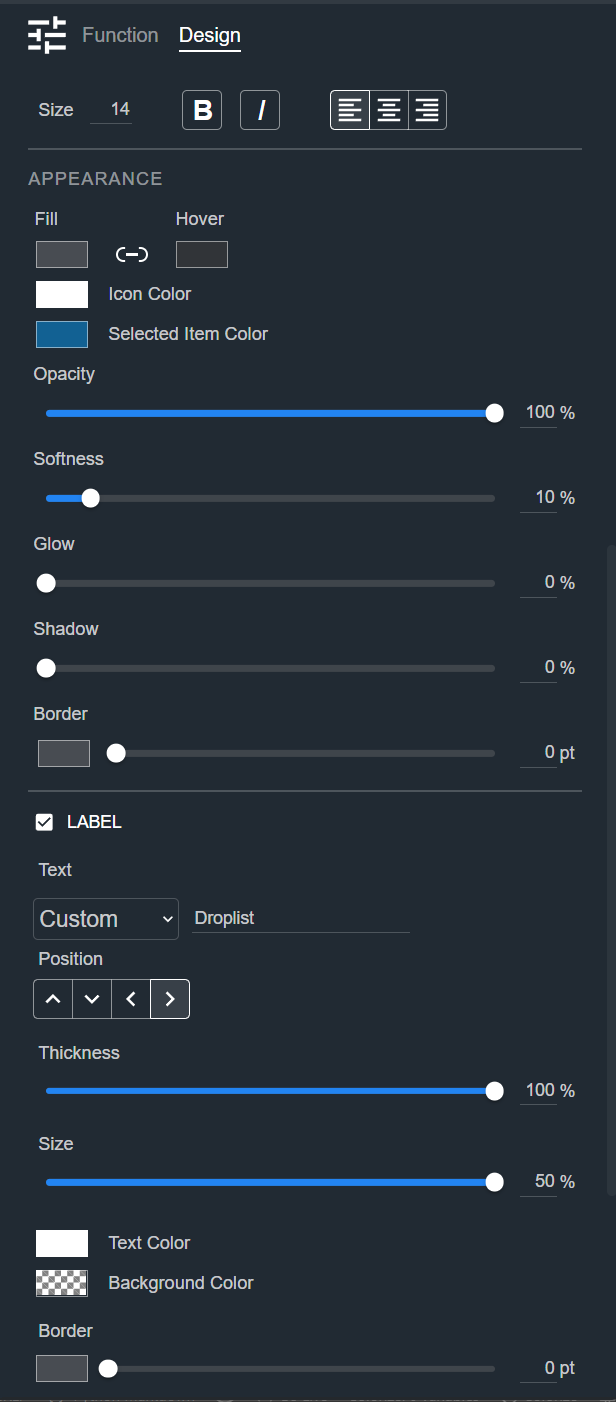
Label
See Common Controls.