Readout
A Readout displays the current value of a parameter as text. The Design tab styles the selected Readout on a Control Panel. The sections appear top to bottom in the Modifier Panel.
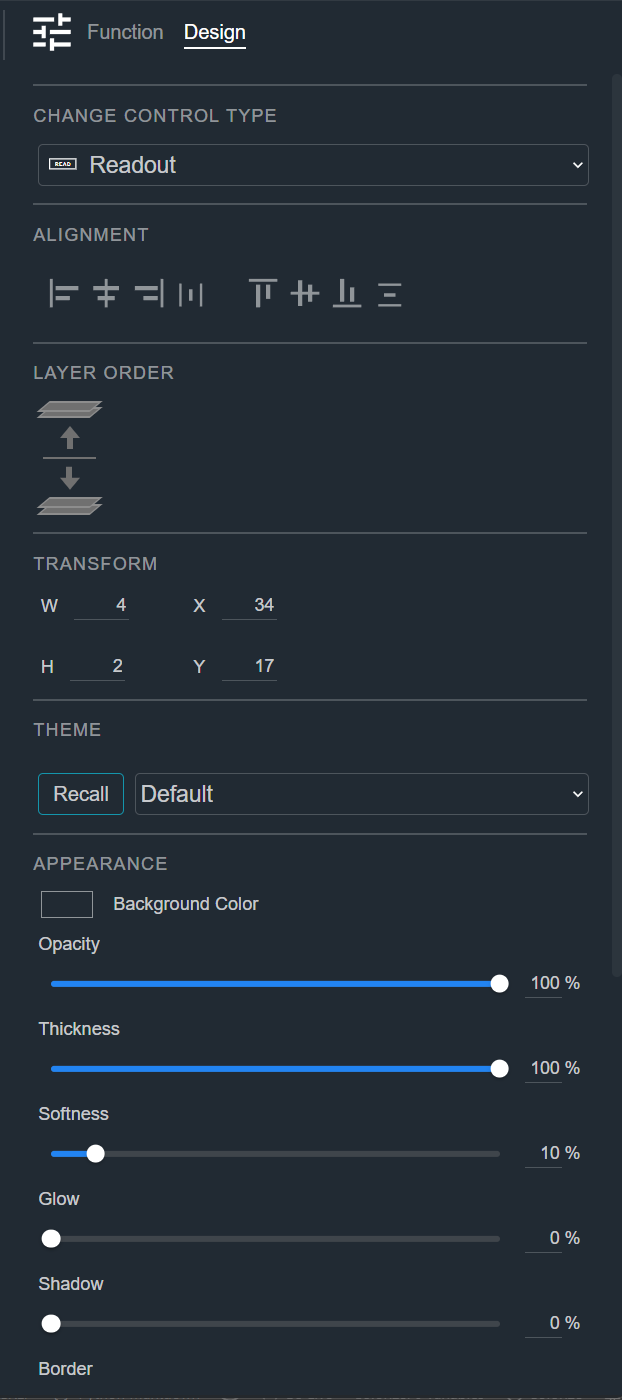
Change Control Type
See Common Controls.
Alignment
See Common Controls.
Layer Order
See Common Controls.
Transform
See Common Controls.
Theme
See Common Controls.
Appearance
See Common Controls.
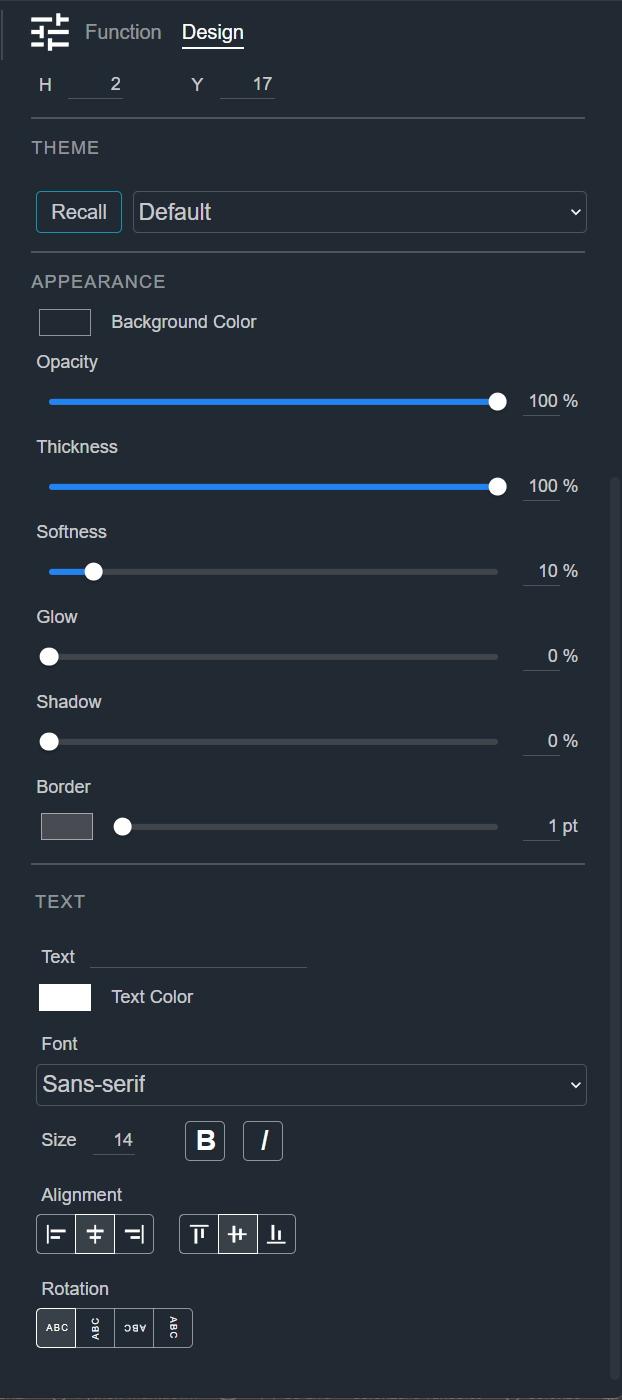
Text
See Common Controls. The Readout shows the value of its mapped parameter, so it has no custom text source.