Label
A Label displays text, an icon, or both on a Control Panel. The Design tab styles the selected Label. The sections appear top to bottom in the Modifier Panel.
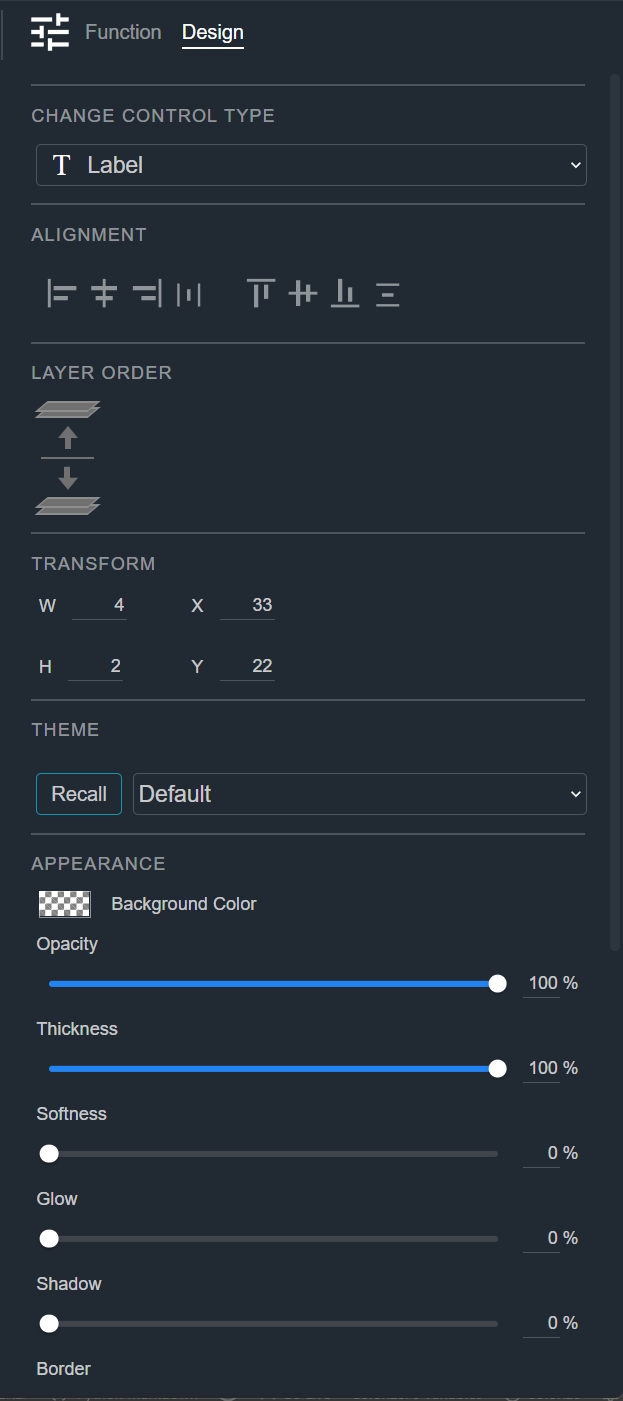
Change Control Type
See Common Controls.
Alignment
See Common Controls.
Layer Order
See Common Controls.
Transform
See Common Controls.
Theme
See Common Controls.
Appearance
See Common Controls.
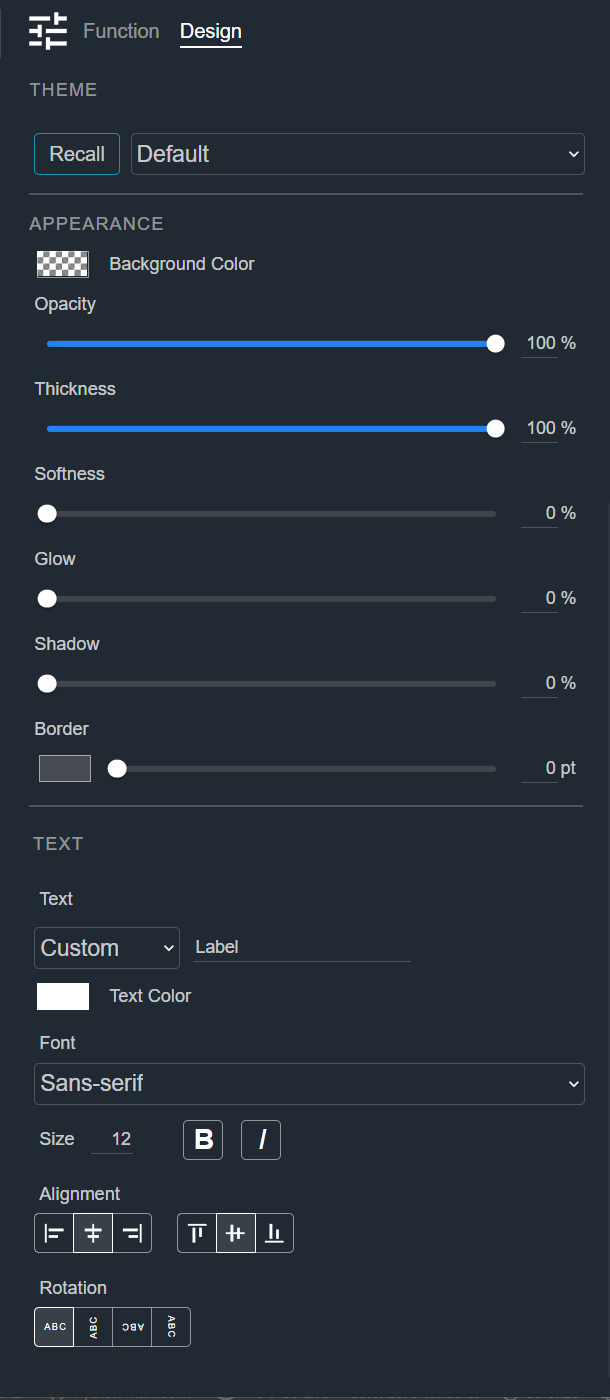
Text and Icon
See Common Controls. A Label can show text, an icon, or both at once.
Editing Labels in Operation Mode
You can edit a Static Label, such as one dragged from the Toolkit and given custom text, only in Design mode. In Operation mode and in the Web App, its text cannot be changed.
A Label can still be edited in Operation mode when its text comes from somewhere other than the Control Panel:
- A Label mapped to a text parameter, such as a channel name.
- A Label with Remote Enable turned on and a remote name set, so that its text can be set by a script or the Remote Control API. See Function.