Event
Overview
Properties
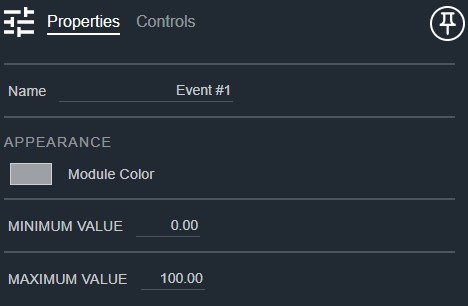
- Name: Type here to change the module name
- Appearance: Click on the colored box to change the module color
- Minimum Value: The minimum control signal value expected. Default: 0. Range: -1000000000–1000000000
- Maximum Value: The maximum control signal value expected. Default: 100.. Range: -1000000000–1000000000
Controls
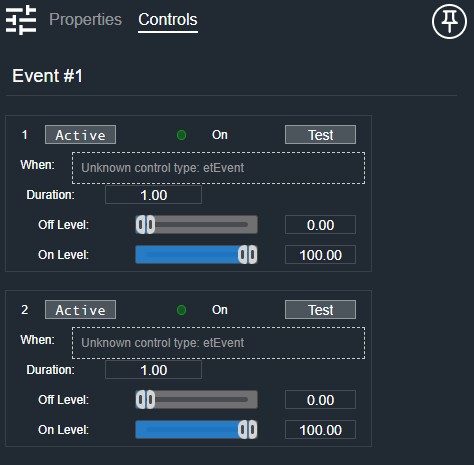
Per event:
- Active (Button, toggle): Enables or disables this event.
- On (LED): Indicates this event is currently triggered.
- Test (Button, momentary): Manually triggers this event for testing.
- Event (Event): Defines the control signal condition that triggers this event.
- Duration (Numeric): Sets the duration of the output pulse when the event triggers.
- Off Level (Fader): Sets the control output level when the event is inactive.
- Off Level (Numeric): Displays the off-state output level.
- On Level (Fader): Sets the control output level when the event is active.
- On Level (Numeric): Displays the on-state output level.
I/O
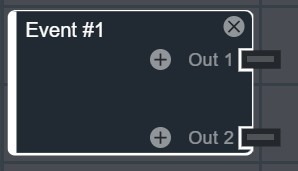
- Out (Output, Control): 1–64 signals, 1 channel