Control Meter
Overview
Properties
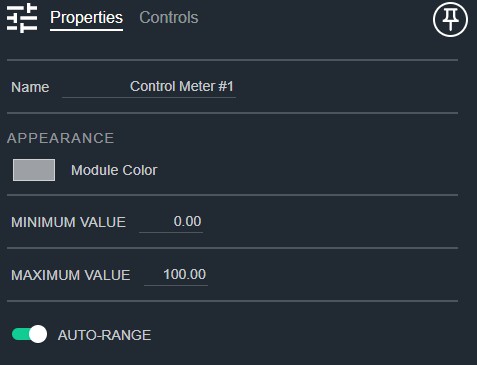
- Name: Type here to change the module name
- Appearance: Click on the colored box to change the module color
- Minimum Value: The minimum control signal value expected. Default: 0. Range: -1000000000–1000000000
- Maximum Value: The maximum control signal value expected. Default: 100.. Range: -1000000000–1000000000
- Auto-Range: Allows minimum and maximum control range to float with input signal level. Default: Enable
Controls
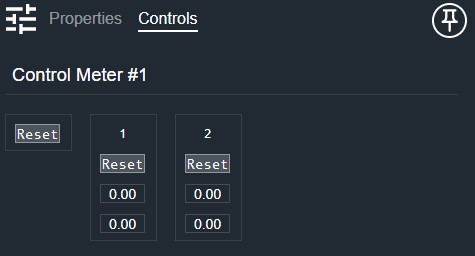
Global (shown when multiple inputs are present):
- Main Peak Reset (Button, momentary): Resets all peak hold indicators simultaneously.
Per input:
- Peak Reset (Button, momentary): Resets the peak hold indicator for this input.
- Peak (Numeric, read-only): Displays the peak-hold value for this input.
- Signal (Numeric, read-only): Displays the current signal value for this input.
I/O
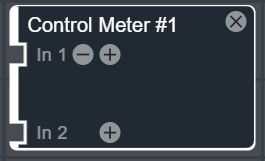
- In (Input, Control): 1–64 signals, 1 channel