Space Properties
The following information is shown in the Properties tab of the Modifier Panel when a Space is selected in Site View. This is where you name a Space, set its appearance, and duplicate or export it.
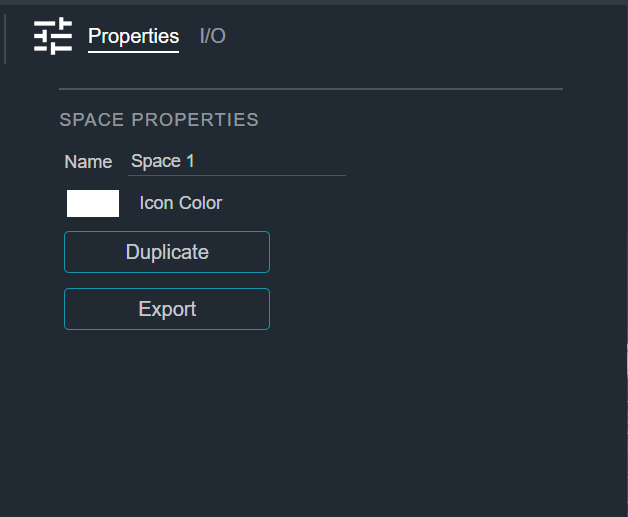
| Field | Description |
|---|---|
| Name | The name of the Space. Editing the name also updates the name shown on the Space's tab. |
| Icon Color | The color of the Space's icon. Click the color swatch to choose a new color. |
The following actions are also available:
- Duplicate — Creates a copy of the selected Space.
- Export — Saves the selected Space to a
.cogspacefile so it can be reused in another Site.