Panner
Overview
Properties
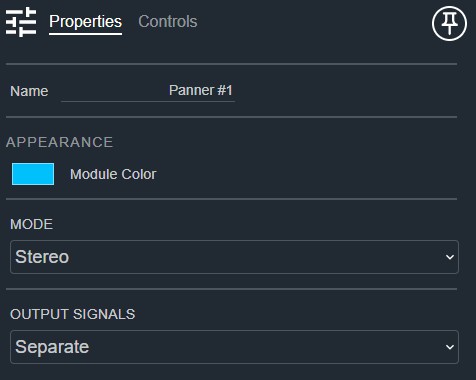
- Name: Type here to change the module name
- Appearance: Click on the colored box to change the module color
- Mode: Configure the output channels as Stereo or LCR. Default: Stereo. Options: Stereo|LCR
- Output Signals: Determines if outputs should be in separate mono signals or a single stereo/LCR signal. Default: Separate. Options: Separate|Single
Controls
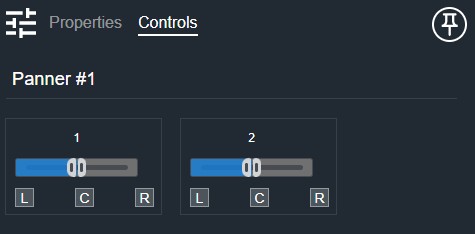
Per channel:
- Pan (Fader): Adjusts the stereo or LCR pan position.
- Left (Button, toggle): Pans the signal hard left.
- Center (Button, toggle): Pans the signal to center.
- Right (Button, toggle): Pans the signal hard right.
I/O
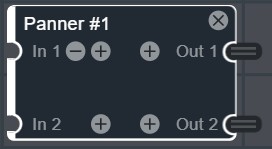
- In (Input, Audio): 1–64 signals, 1 channel
- Out (Output, Audio): 1–64 signals, 1–3 channels