Subwoofer
Overview
Properties
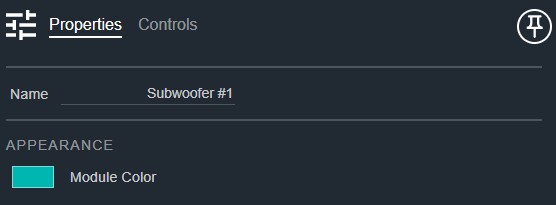
- Name: Type here to change the module name
- Appearance: Click on the colored box to change the module color
Controls
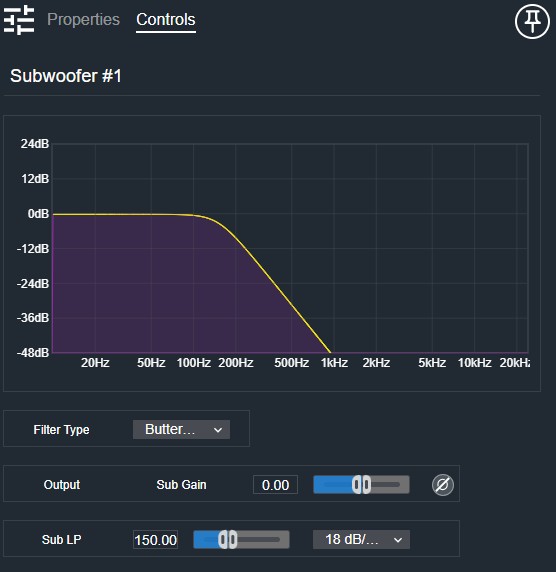
- Filter Type (Drop List): Selects the crossover filter type (e.g., Butterworth, Linkwitz-Riley).
Per output way:
- Gain Readout (Numeric): Displays the output gain for this way.
- Gain (Fader): Adjusts the output gain for this way.
- Invert (Button, toggle): Inverts the polarity of this way's output.
Crossover point:
- LP Frequency (Numeric): Displays the low-pass crossover frequency.
- LP Frequency (Fader): Sets the low-pass crossover frequency.
- LP Slope (Drop List): Selects the low-pass filter roll-off slope.
I/O
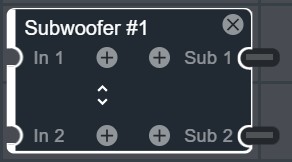
- In (Input, Audio): 1–16 signals, 1–64 channels
- Sub (Output, Audio): 1–16 signals, 1 channel