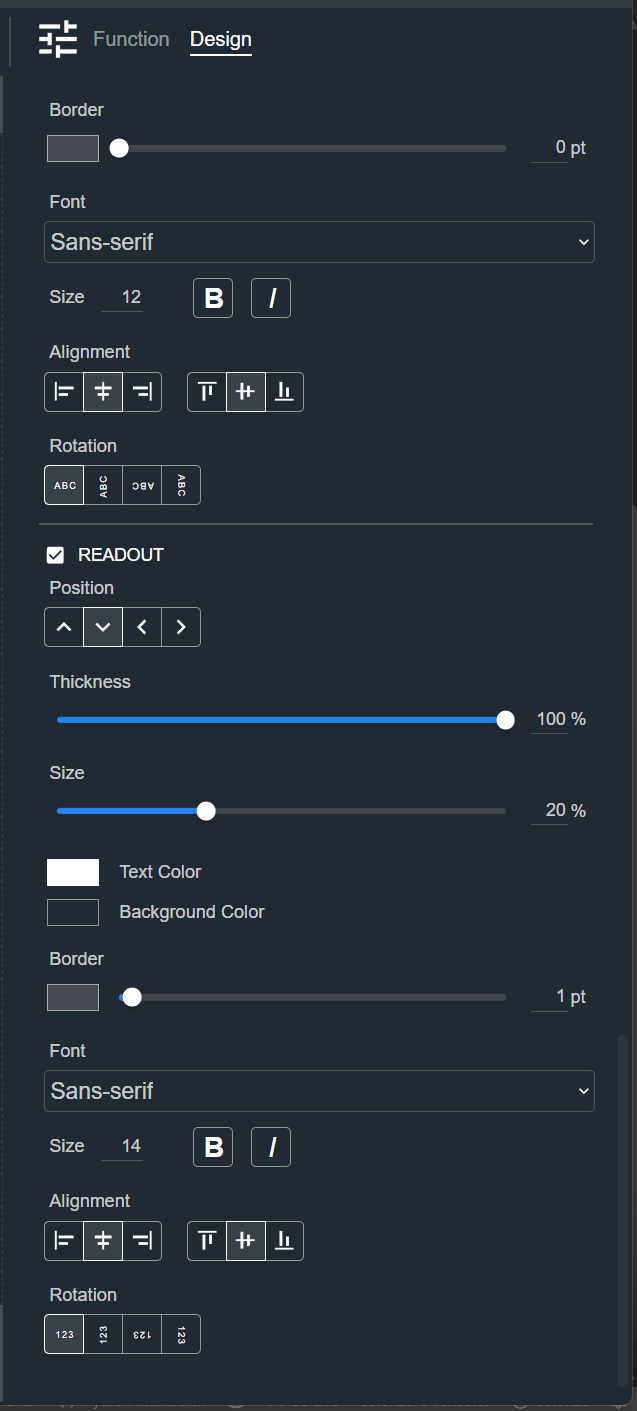
Fader
A Fader is a sliding control used to adjust a parameter such as gain. The Design tab styles the selected Fader on a Control Panel. The sections appear top to bottom in the Modifier Panel.
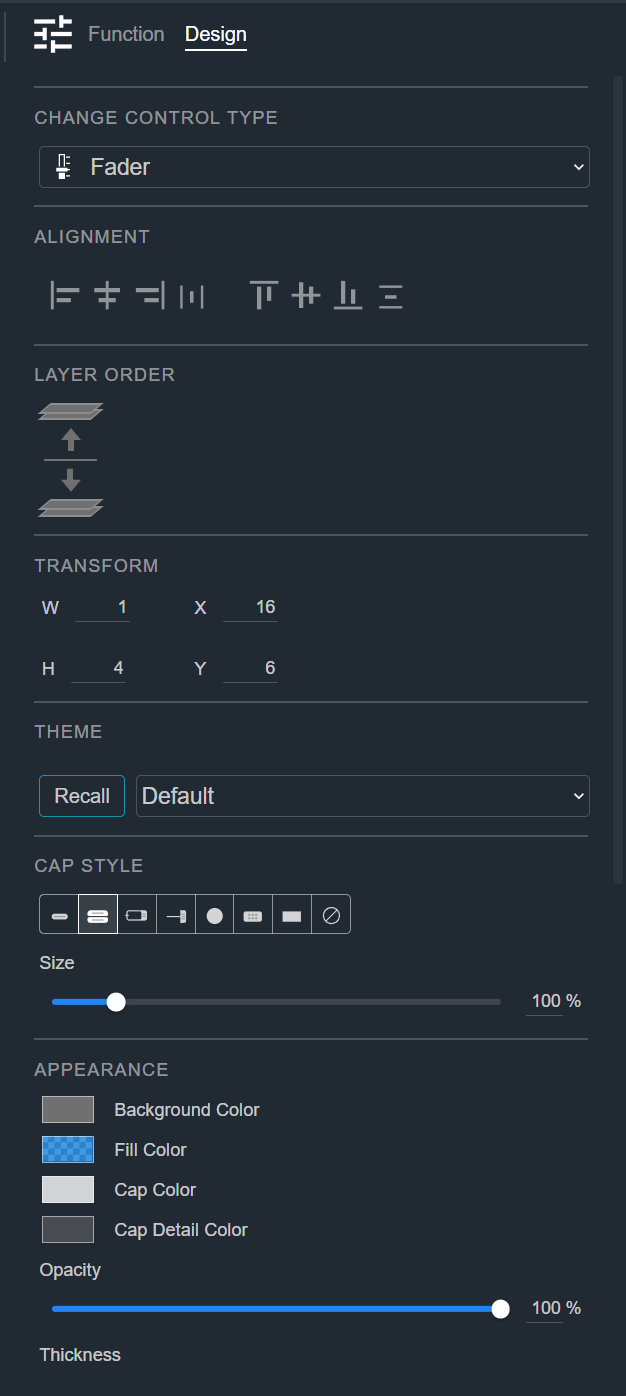
Change Control Type
See Common Controls.
Alignment
See Common Controls.
Layer Order
See Common Controls.
Transform
See Common Controls.
Theme
See Common Controls.
Cap Style
See Common Controls.
Appearance
The Fader's Appearance section adds Cap Color, Cap Detail Color, and a Track color and size to the common appearance properties. See Common Controls.
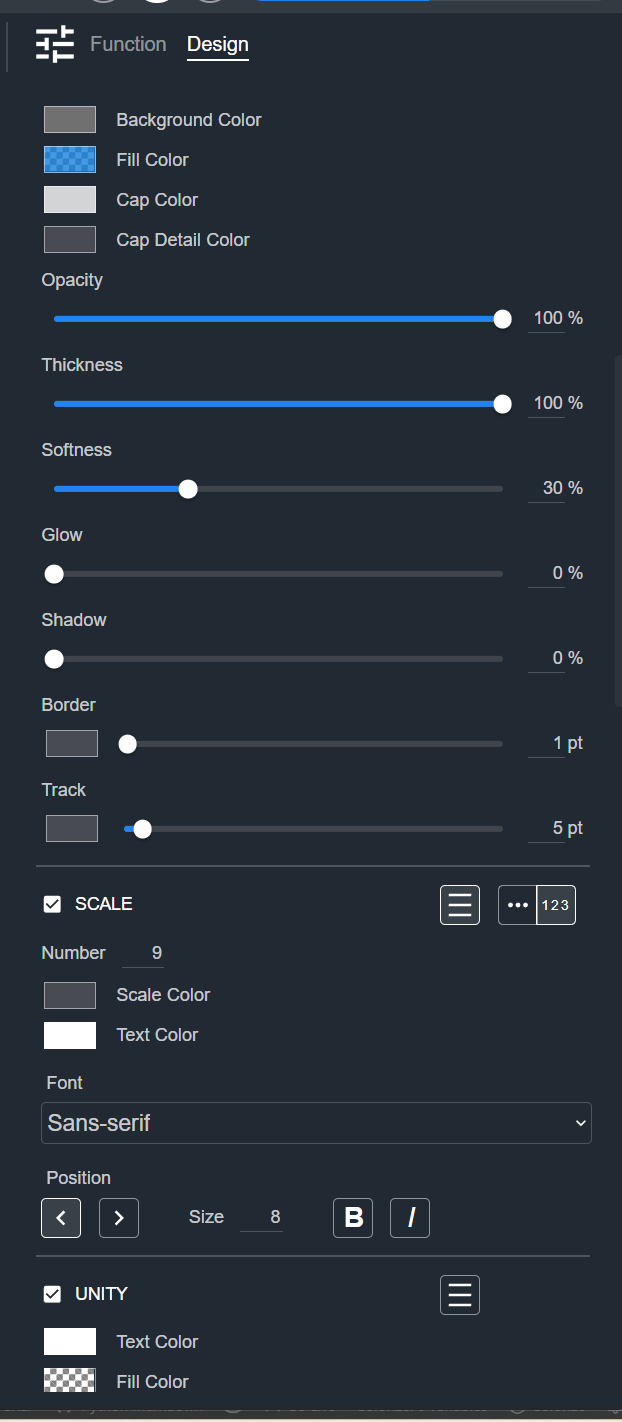
Scale
See Common Controls.
Unity
See Common Controls.
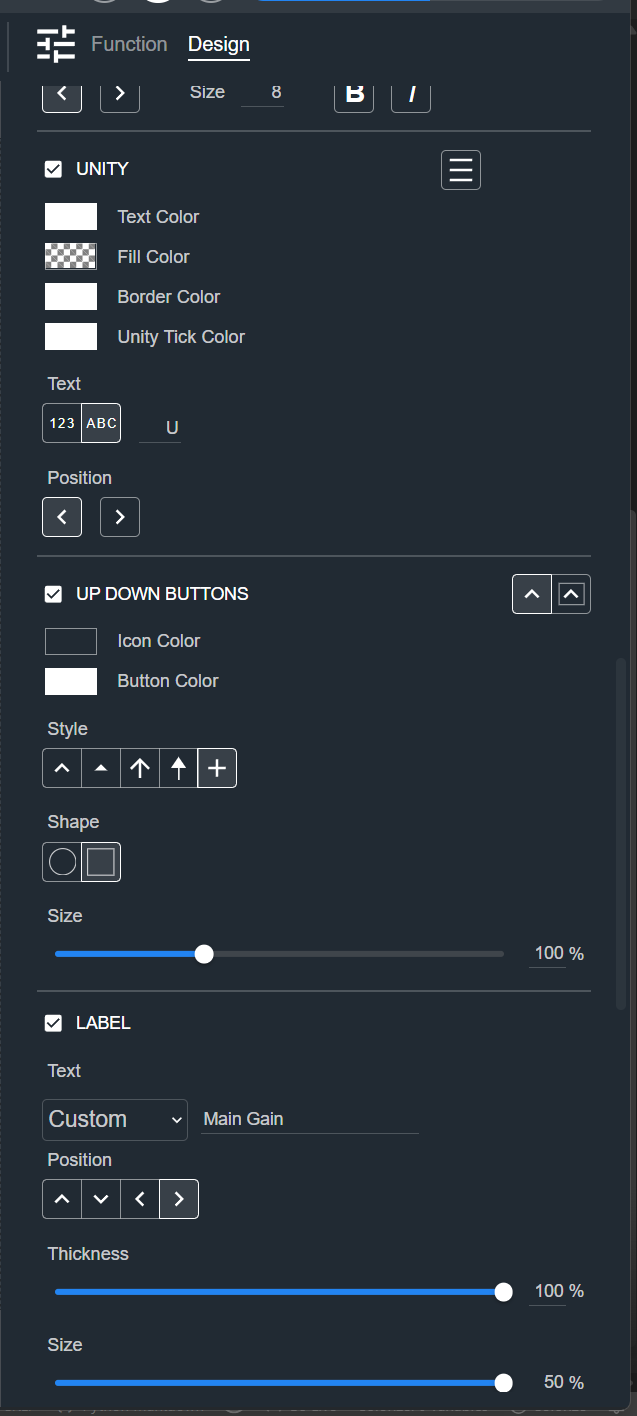
Up Down Buttons
See Common Controls.
Label
See Common Controls.
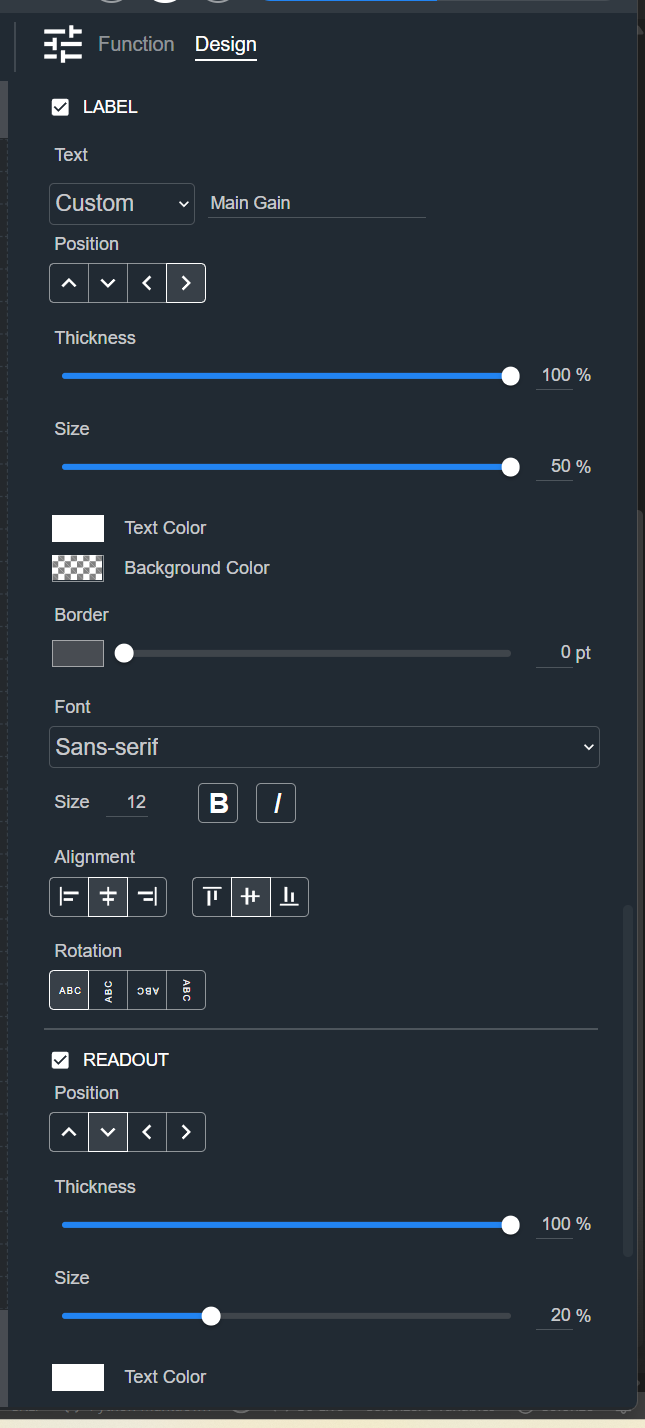
Readout
See Common Controls.