Input Selector In
Overview
Properties
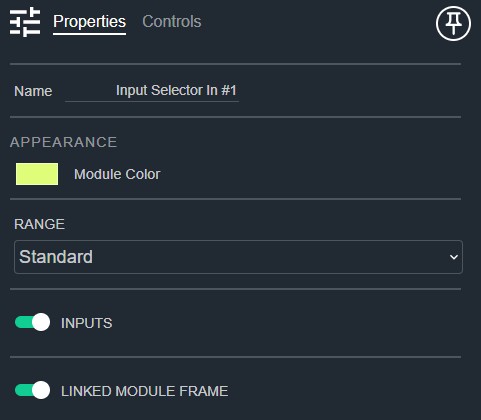
- Name: Type here to change the module name
- Appearance: Click on the colored box to change the module color
- Range: Configure the gain range to "Trim" (-24 to +24), "Standard" (-72 to +12), or "Hi" (-192 to +192). Default: Standard. Options: Trim|Standard|Hi
- Inputs: Determines if there are input channel control strips. Default: Enable
- Linked Module Frame: Determines if this module should be included in the automatic linked module frame. Default: Enable
Controls
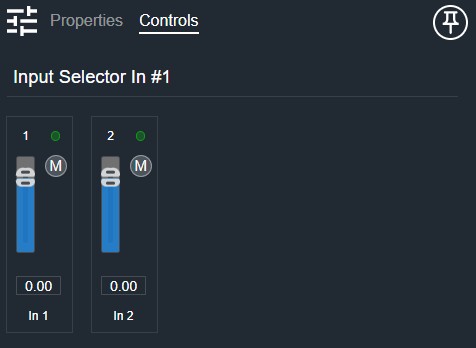
Per input (shown when Inputs is enabled):
- Meter (LED, read-only): Audio level indicator for this input channel.
- Gain (Fader): Adjusts this input channel's gain.
- Mute (Button, toggle): Mutes this input channel.
- Gain Readout (Numeric): Displays the current input gain value.
I/O
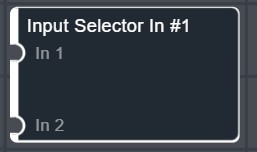
- In (Input, Audio): 1–64 signals, 1–64 channels
- SharedOut (Output, Audio): 1–64 signals, 1–64 channels