Notch Filter
Overview
Properties
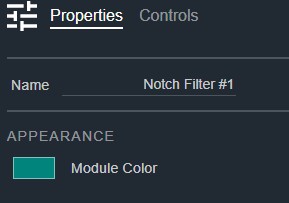
- Name: Type here to change the module name
- Appearance: Click on the colored box to change the module color
Controls
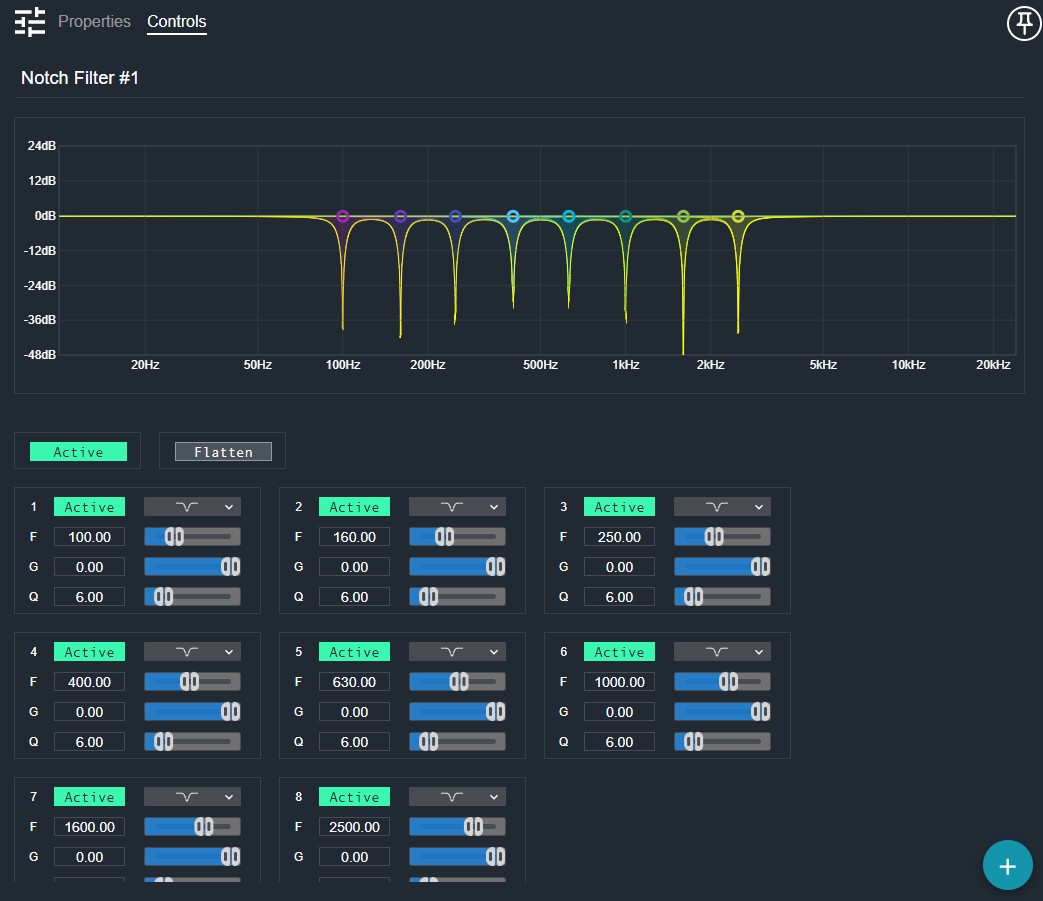
- Active (Button, toggle): Enables or bypasses the entire notch filter.
- Flatten All (Button, momentary): Resets all bands to flat (0 dB gain).
Per band:
- Band Active (Button, toggle): Enables or bypasses this individual notch band.
- Type (Drop List): Selects the filter type for this band.
- Frequency (Numeric): Displays the notch frequency for this band.
- Frequency (Fader): Adjusts the notch frequency for this band.
- Gain (Numeric): Displays the gain for this band.
- Gain (Fader): Adjusts the gain for this band.
- Q (Numeric): Displays the Q (sharpness) of the notch.
- Q (Fader): Adjusts the Q (sharpness) of the notch.
I/O
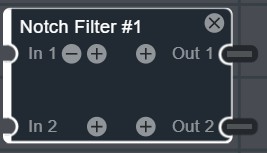
- In (Input, Audio): 1–64 signals, 1–64 channels
- Out (Output, Audio): 1–64 signals, 1–64 channels